Kokoloko's App
A React Native app for ordering ahead at Kokoloko's and collecting at the counter, built on the restaurant's direct-pickup ordering backend.
Development build. Payments are mocked, orders don’t reach the kitchen yet, and the app isn’t published on the App Store or Google Play.
- APP
- FRONT-END
- API
- SYSTEM
Part of the Kokoloko’s project, and built on the same ordering backend.
From menu to “Order in!”
Pick from the menu, choose a size, check the basket, pick a time, leave a name and number, pay on the payment provider’s own page, then follow the order until it’s ready.
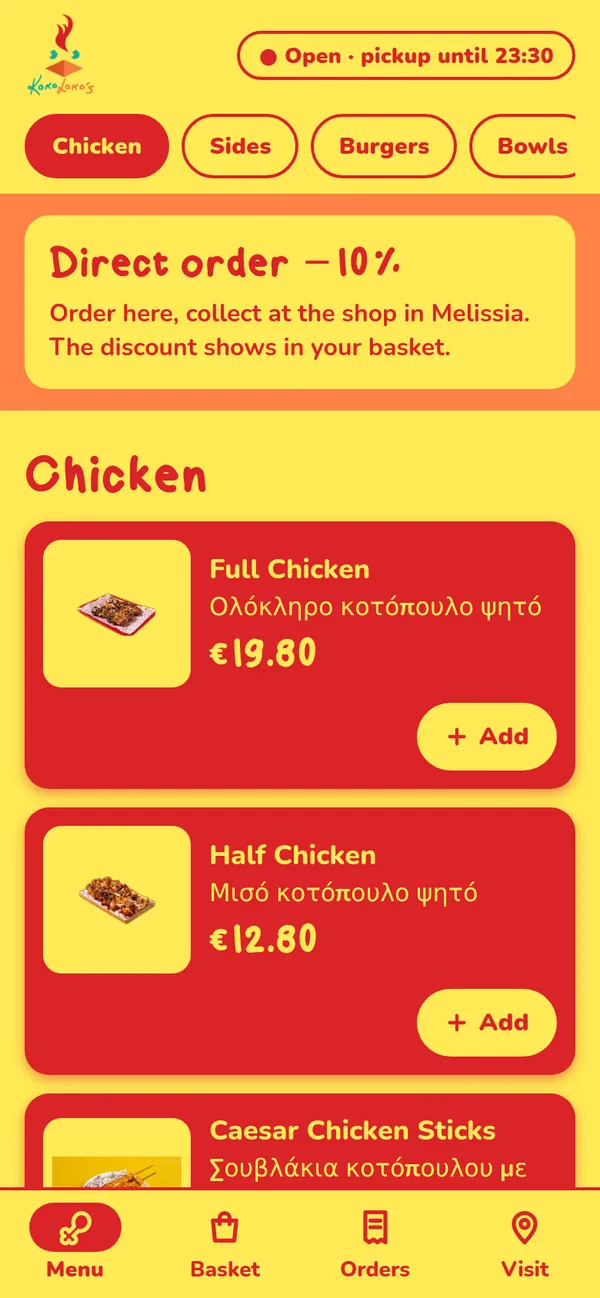
Menu 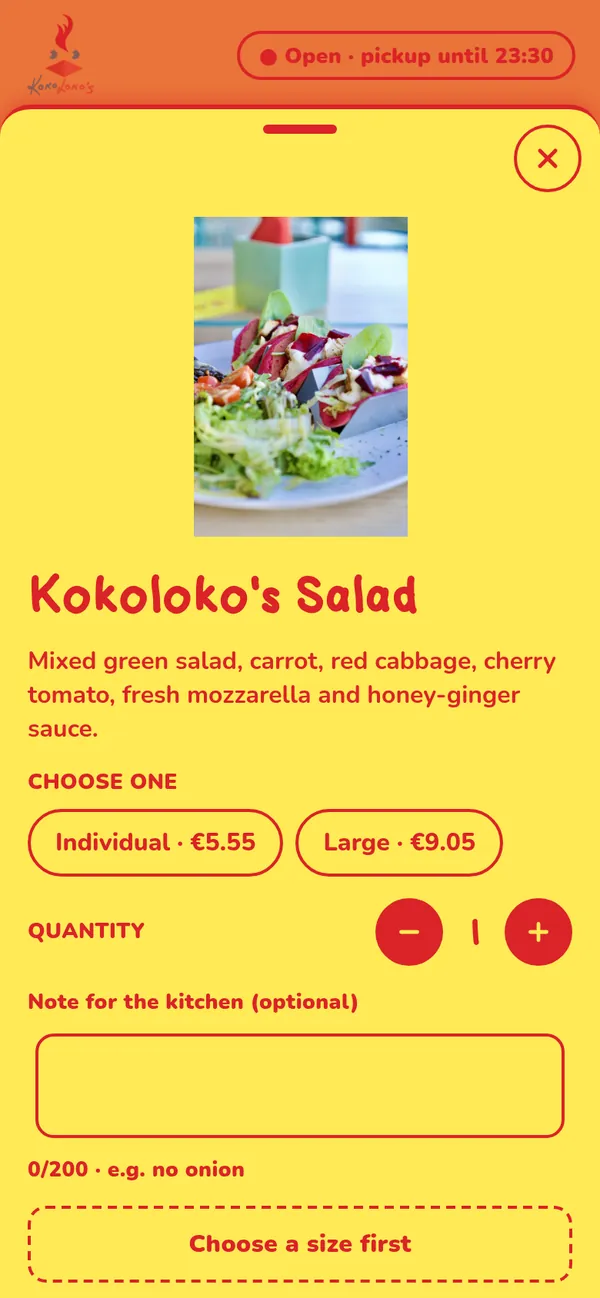
Product with sizes 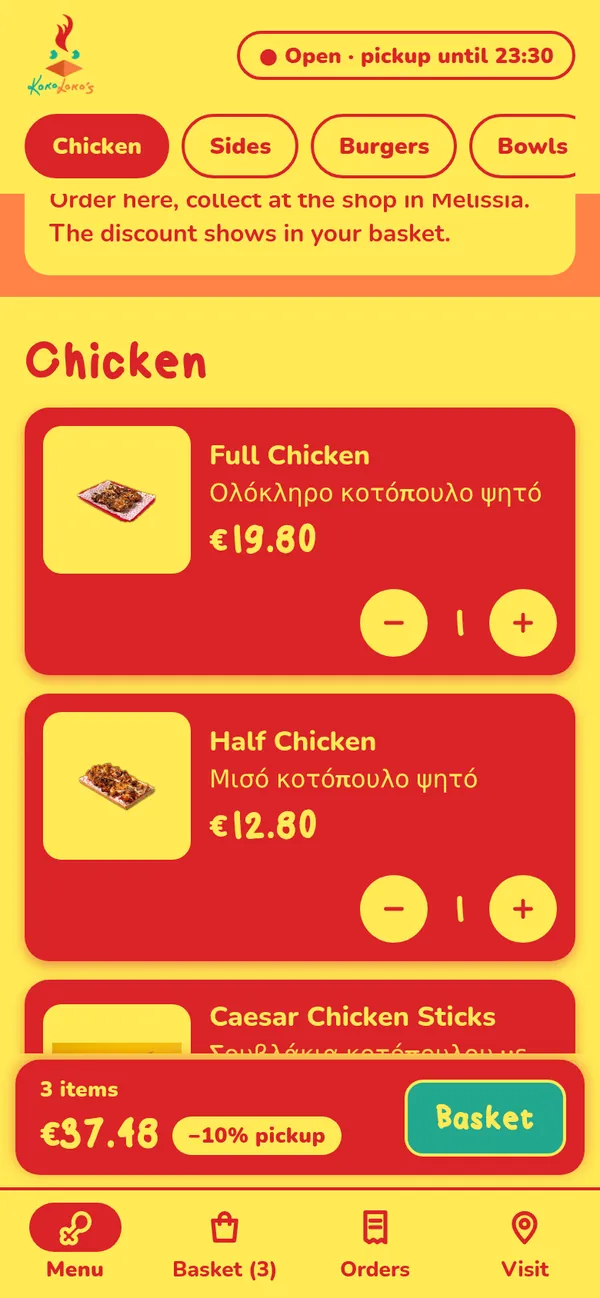
Basket bar 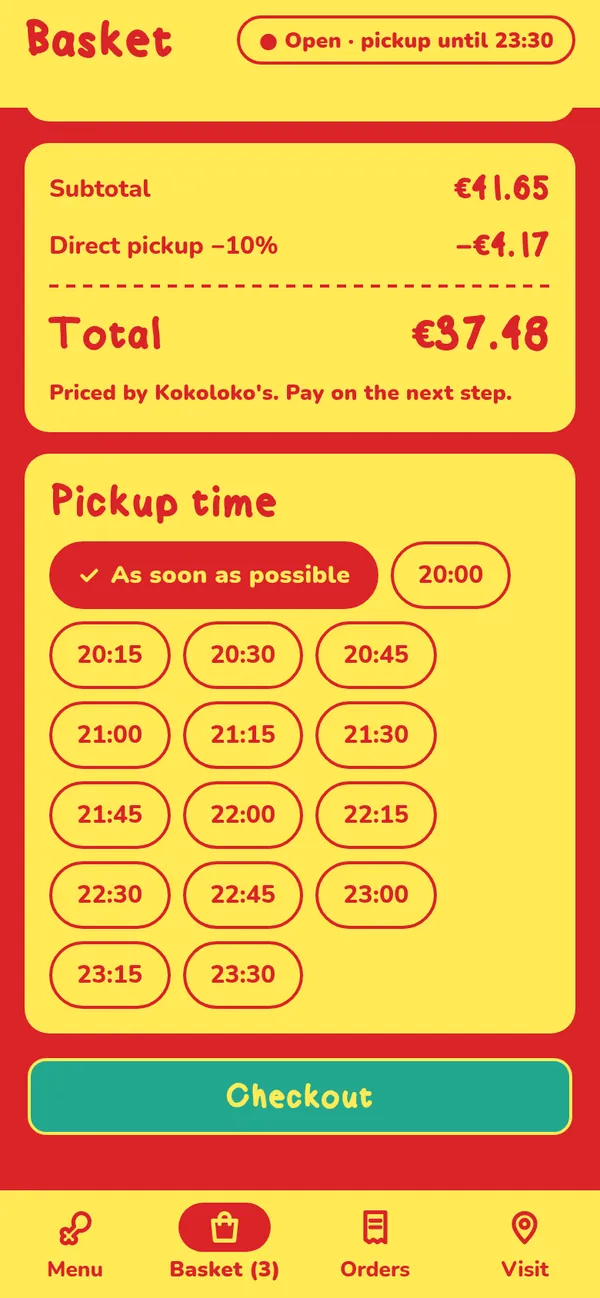
Pickup time 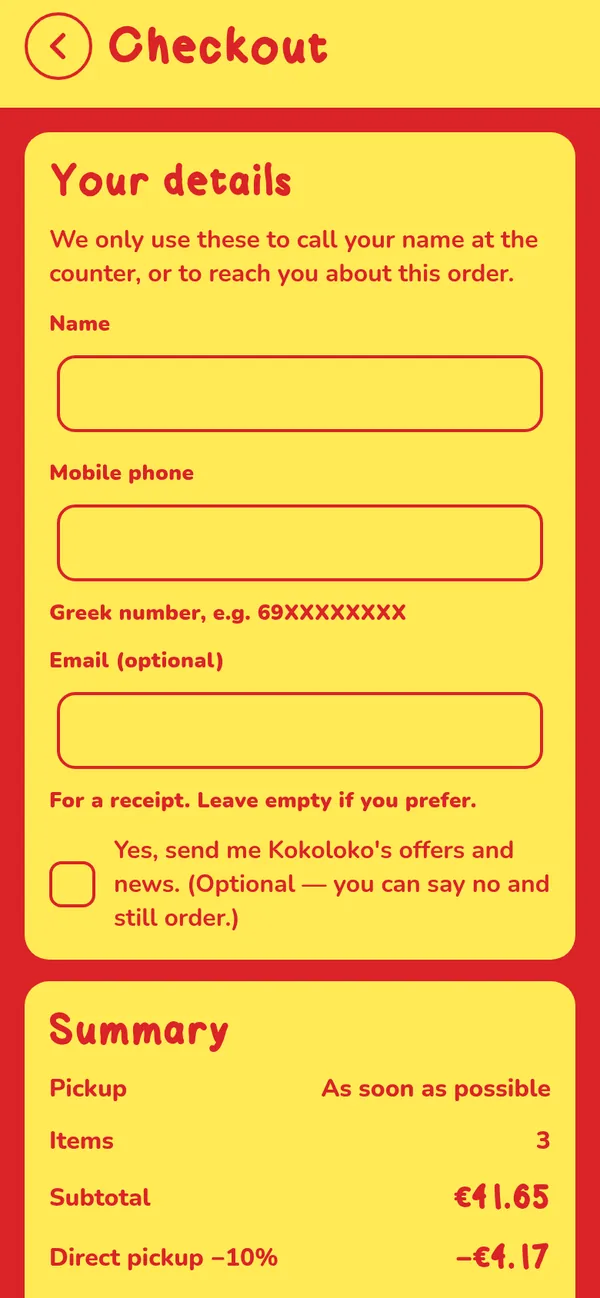
Checkout 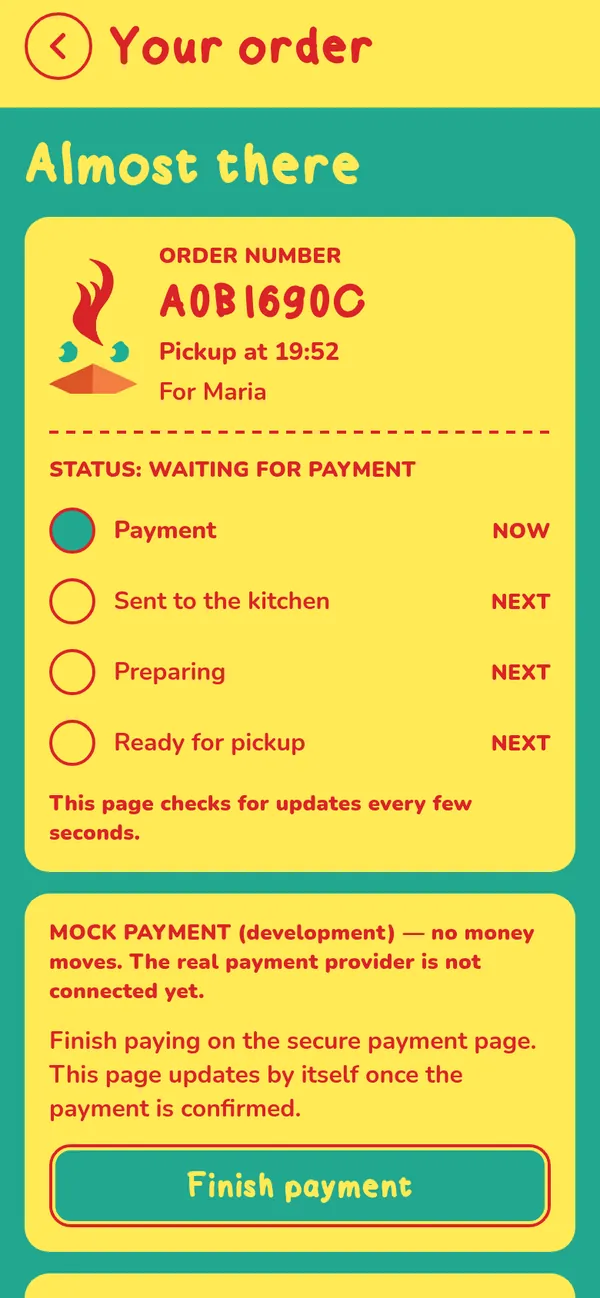
Waiting for payment (mock) 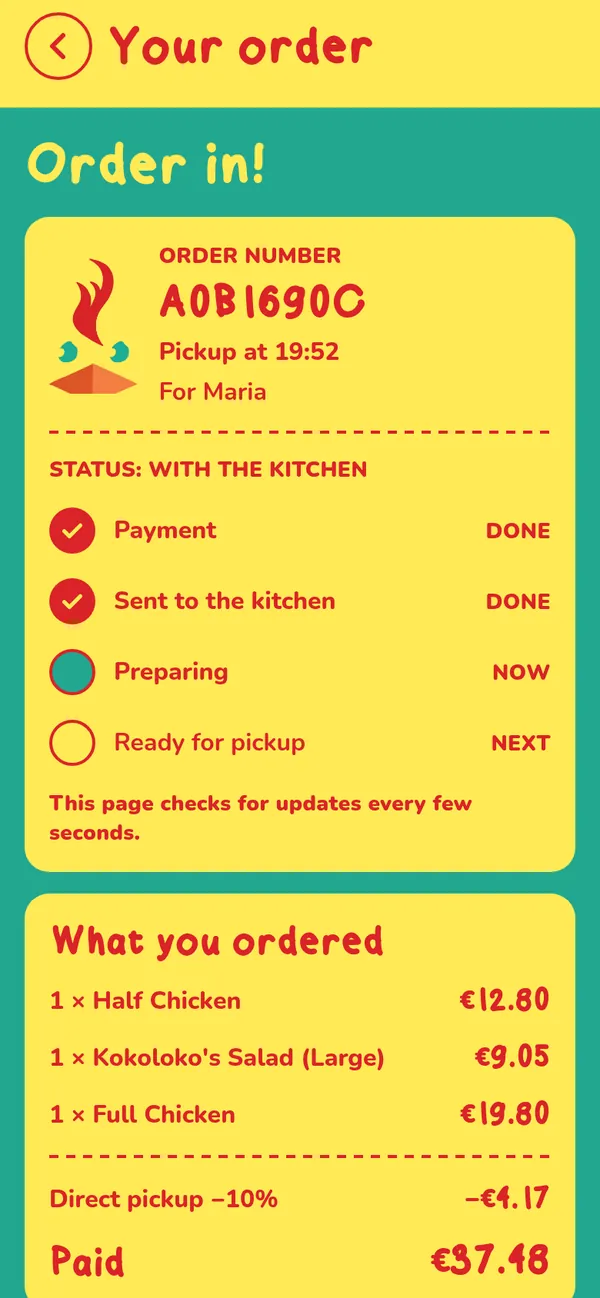
Order in! 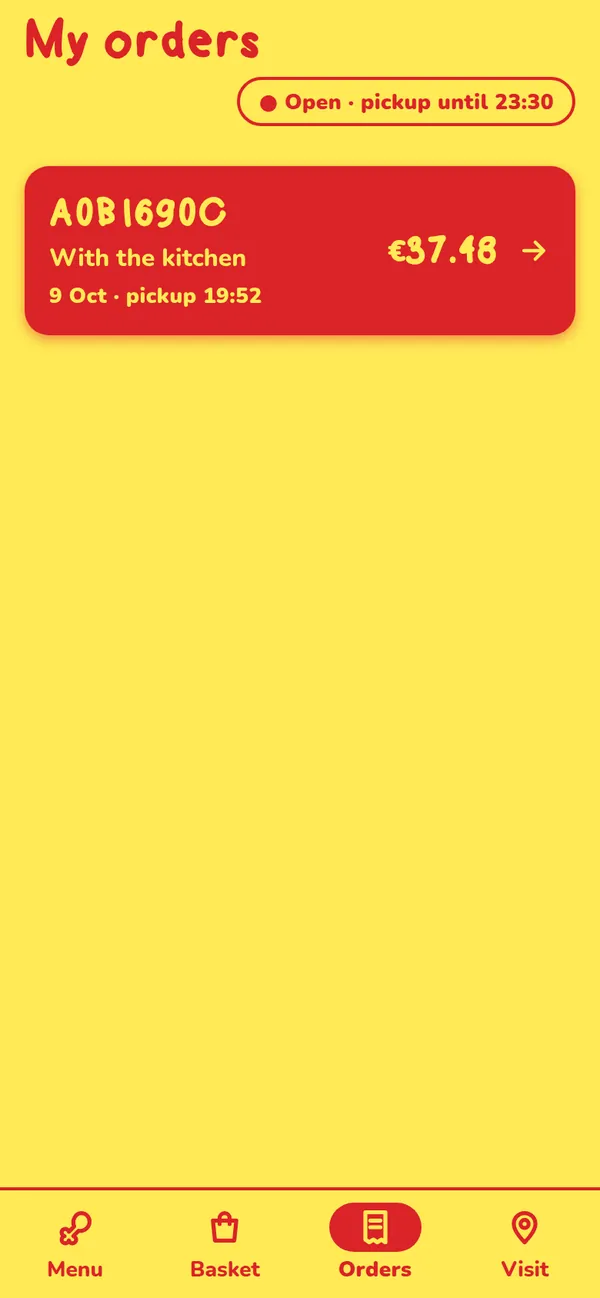
My orders 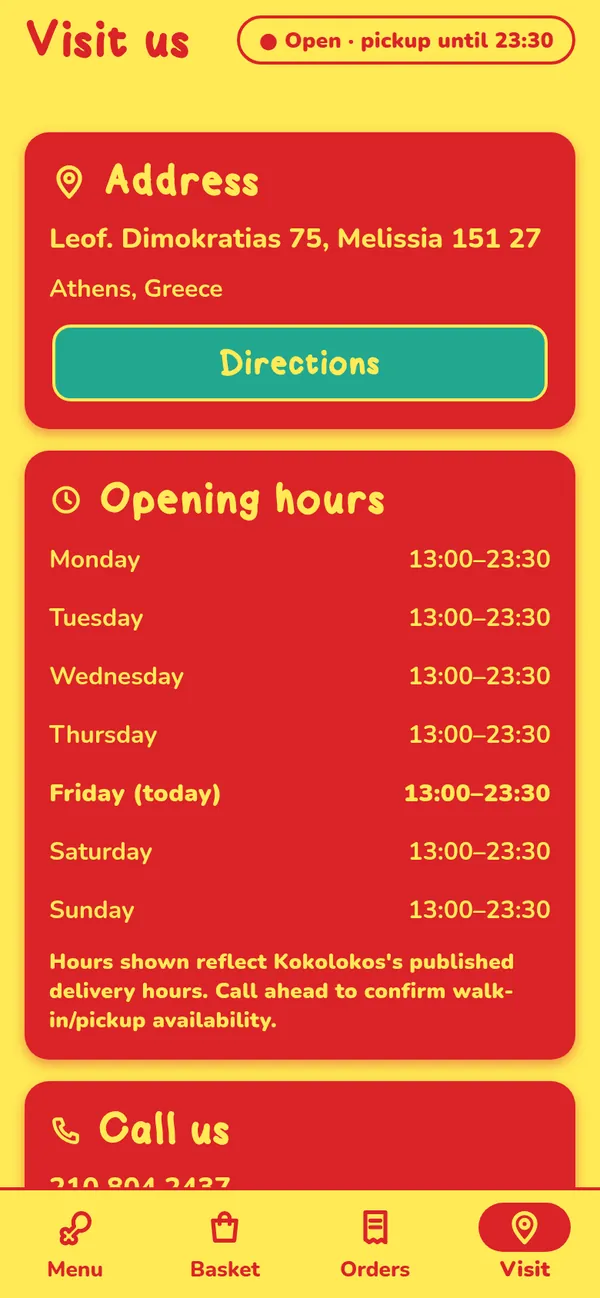
Visit 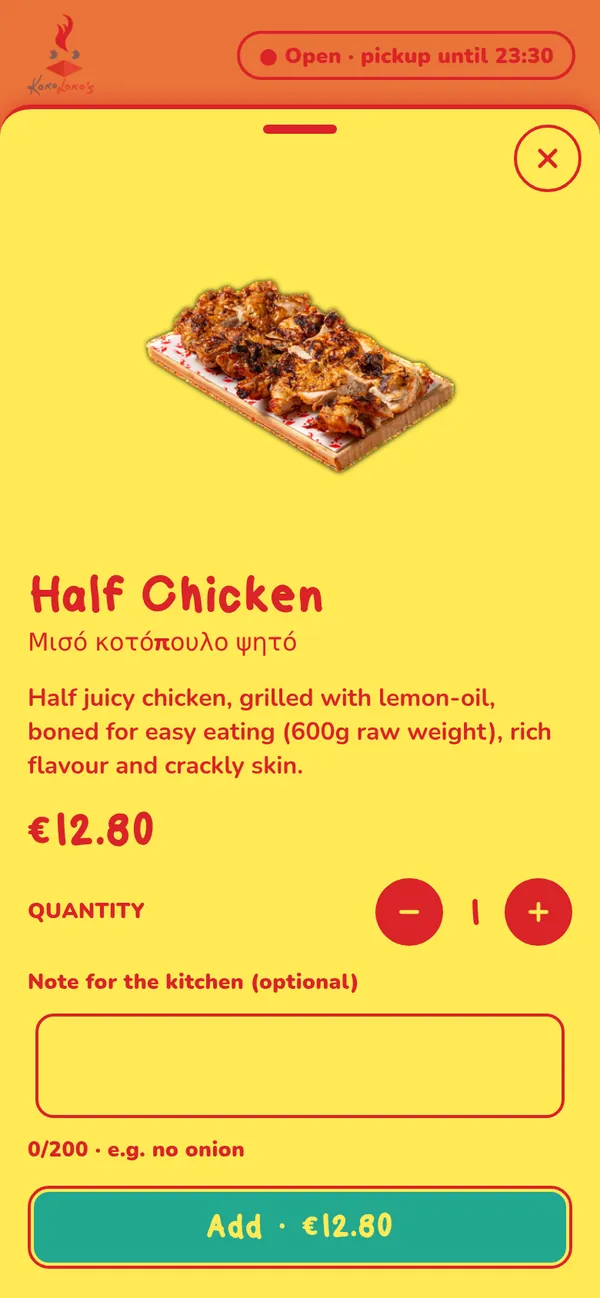
Product sheet
The app never does the maths
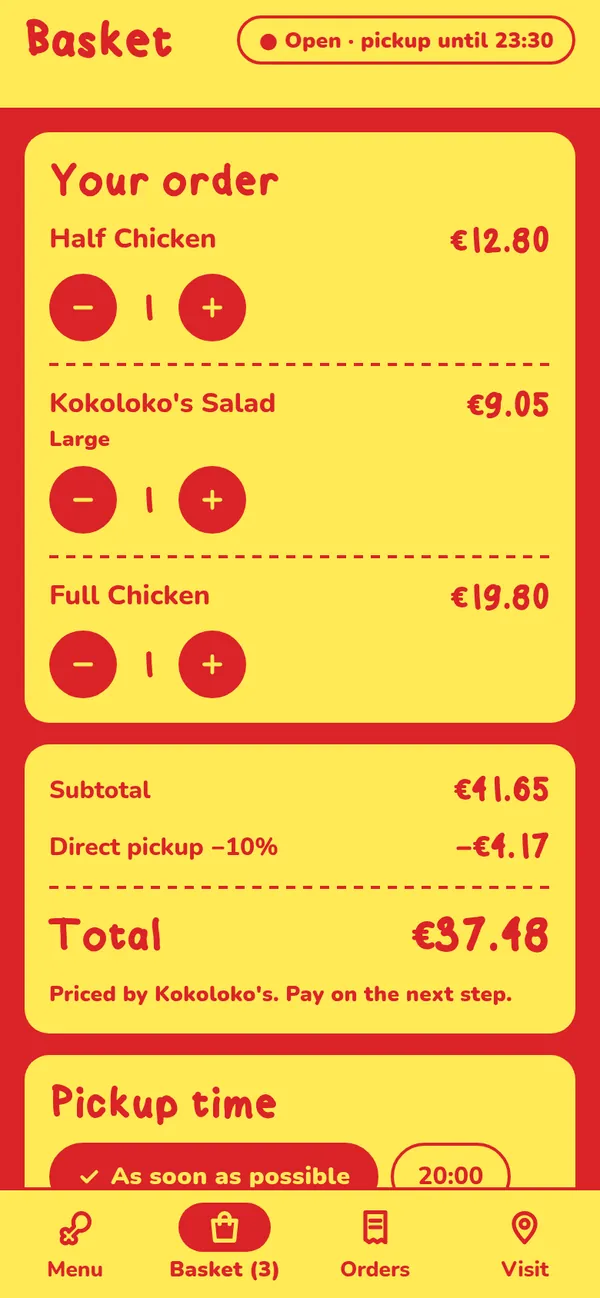
The app sends only what was chosen: product, size, quantity and a note. The server sends back the quote, including the direct-pickup discount, and the app shows exactly that. Until it arrives, the basket says “Estimating…” rather than guessing.
In this capture: subtotal €41.65, direct pickup −10% (−€4.17), total €37.48.
- Prices
- Only from the server; the app has no price list
- Double orders
- One idempotency key per checkout, reused on retries; Pay locks while sending
- Card data
- Never touches the app; payment happens on the provider's hosted page
- On the phone
- Only the order id and its access token, in secure storage
- Order status
- Checked every 5 seconds
- Marketing consent
- Off by default
Closed, switched off, offline, empty
Each of these is a real screen. When the backend says ordering is switched off, the app keeps the menu browsable and explains why you can’t order, instead of showing an error.
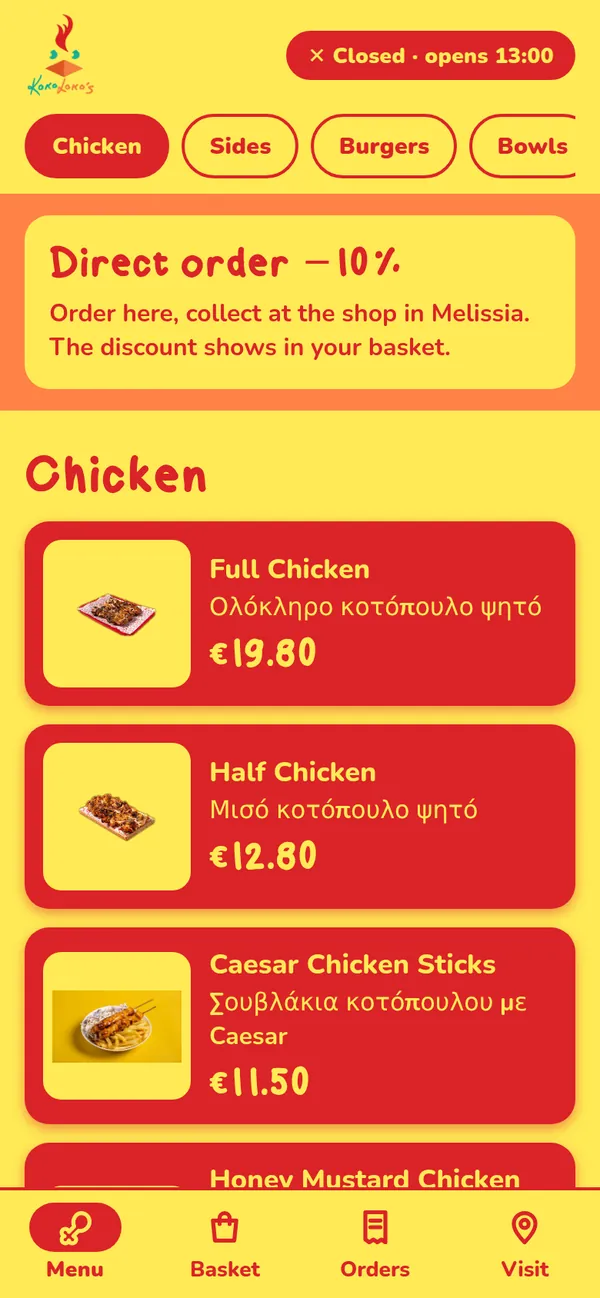
Pickup closed 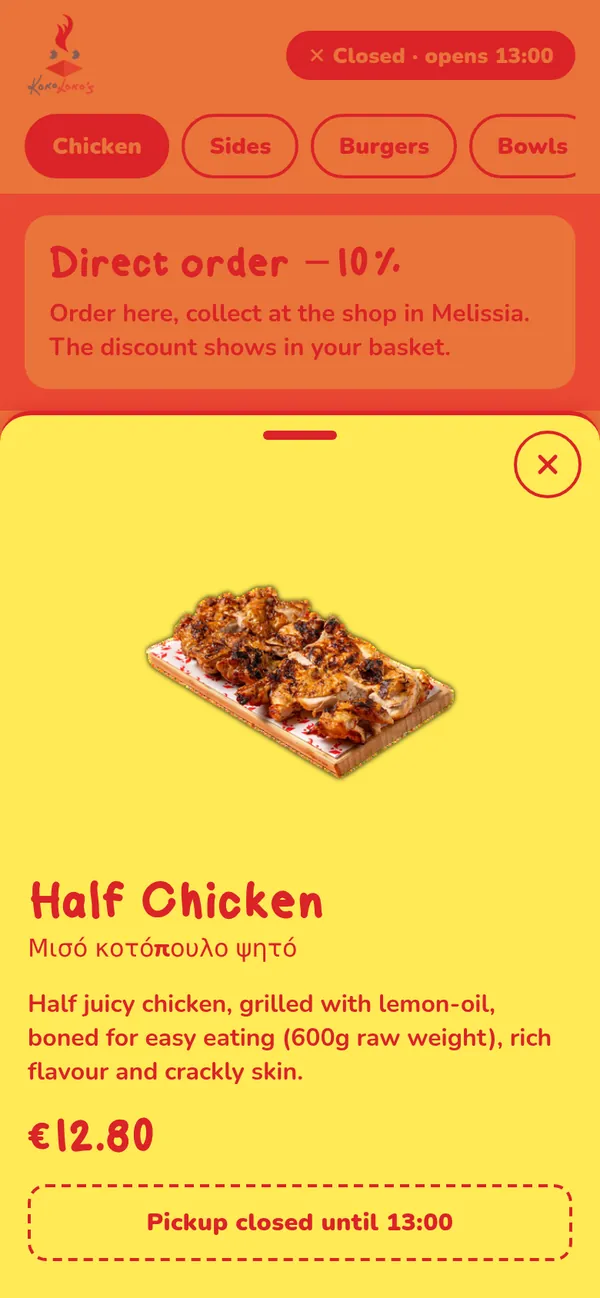
Closed: button disabled 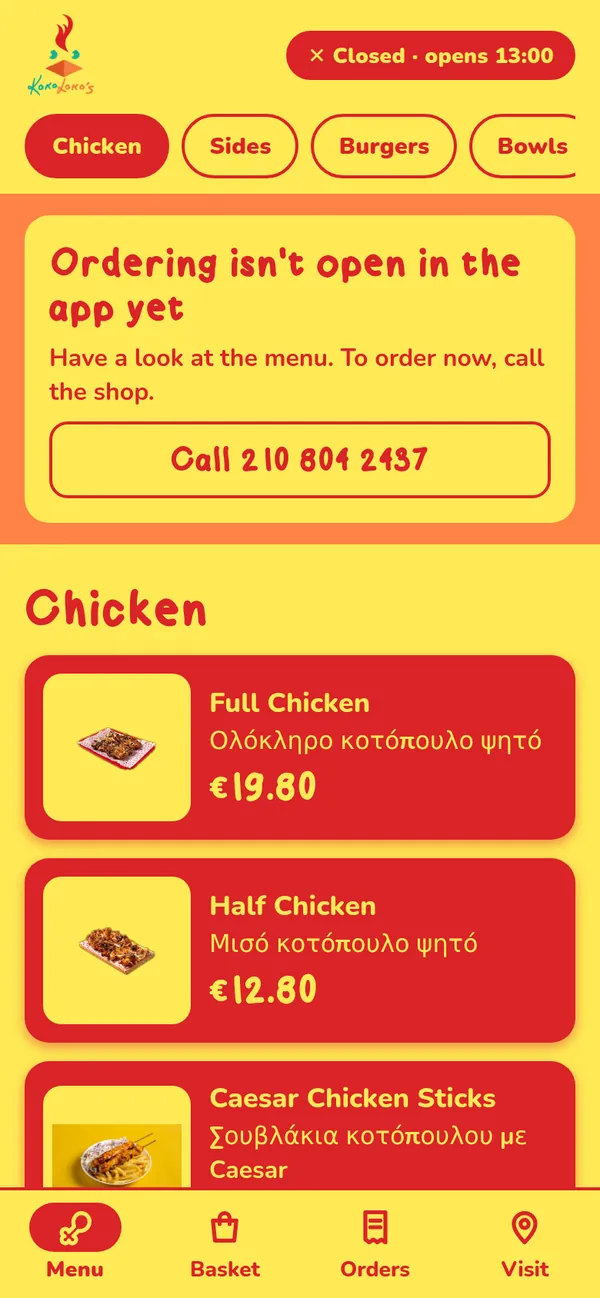
Ordering switched off 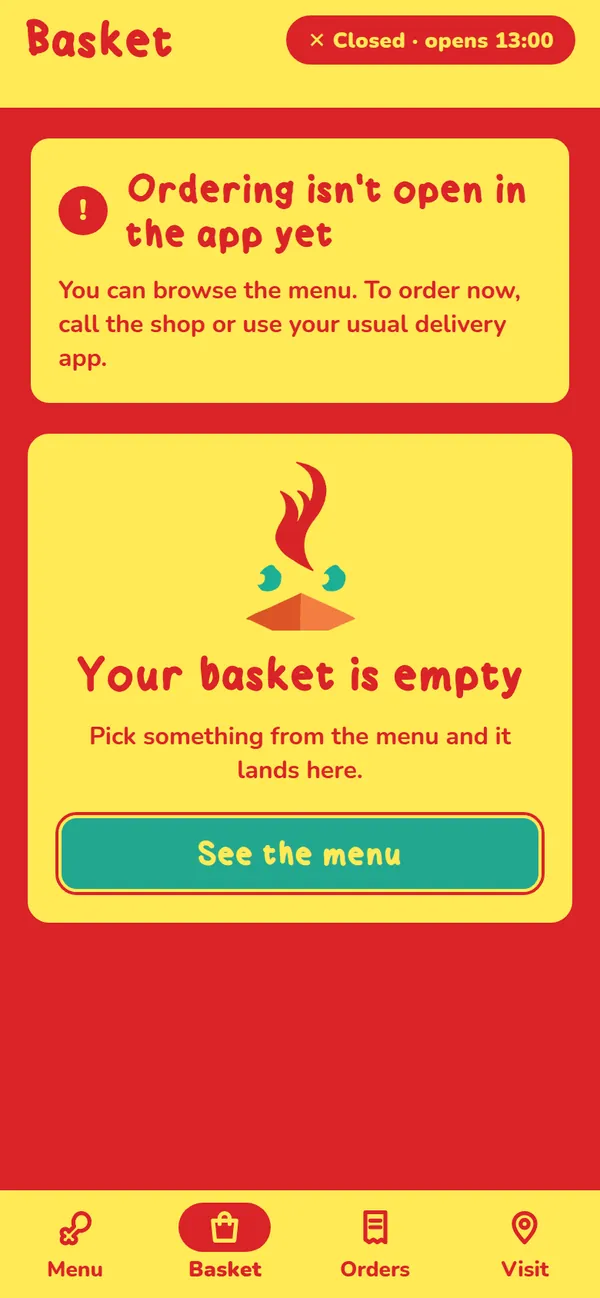
Switched off: basket 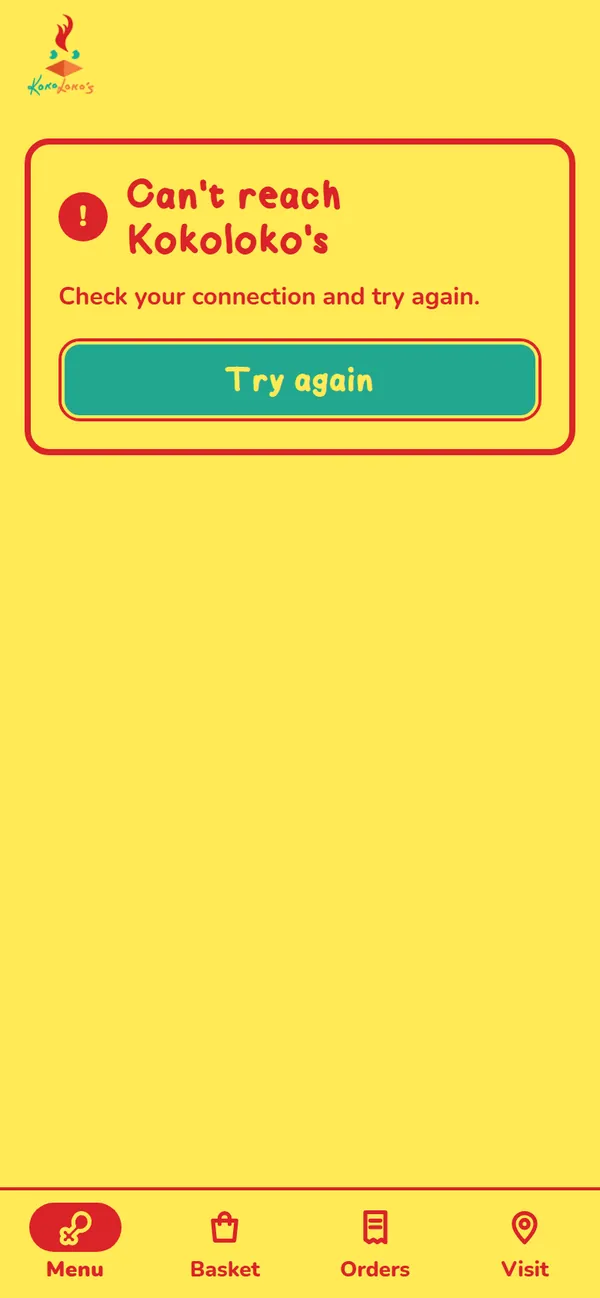
Network error 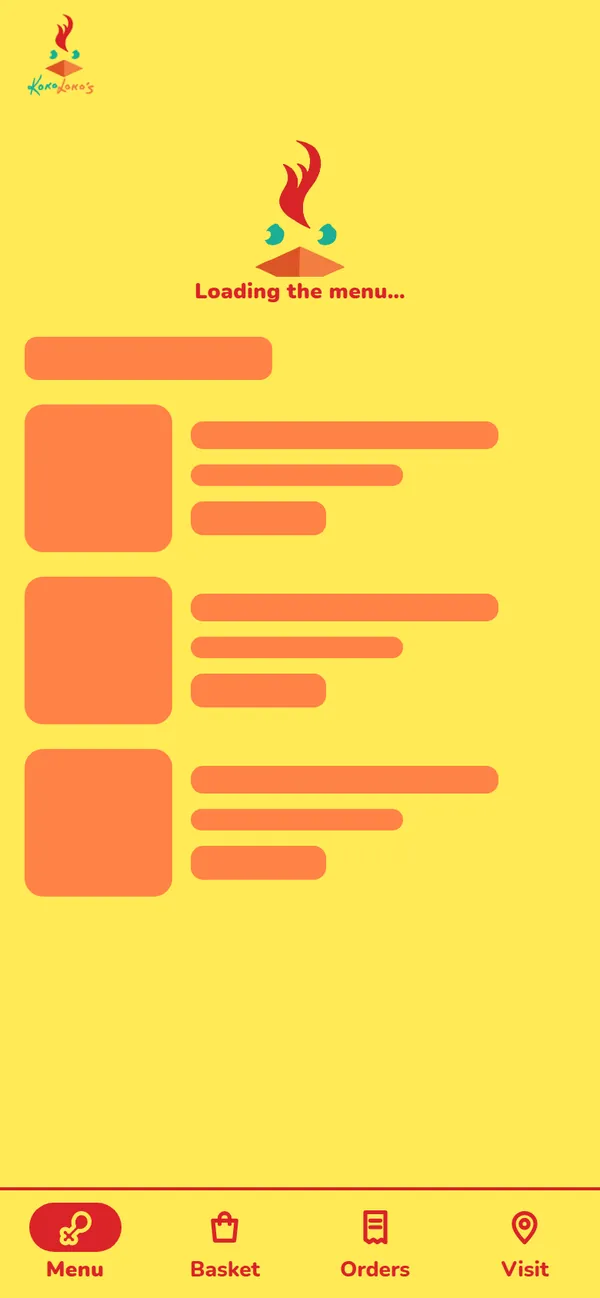
Loading 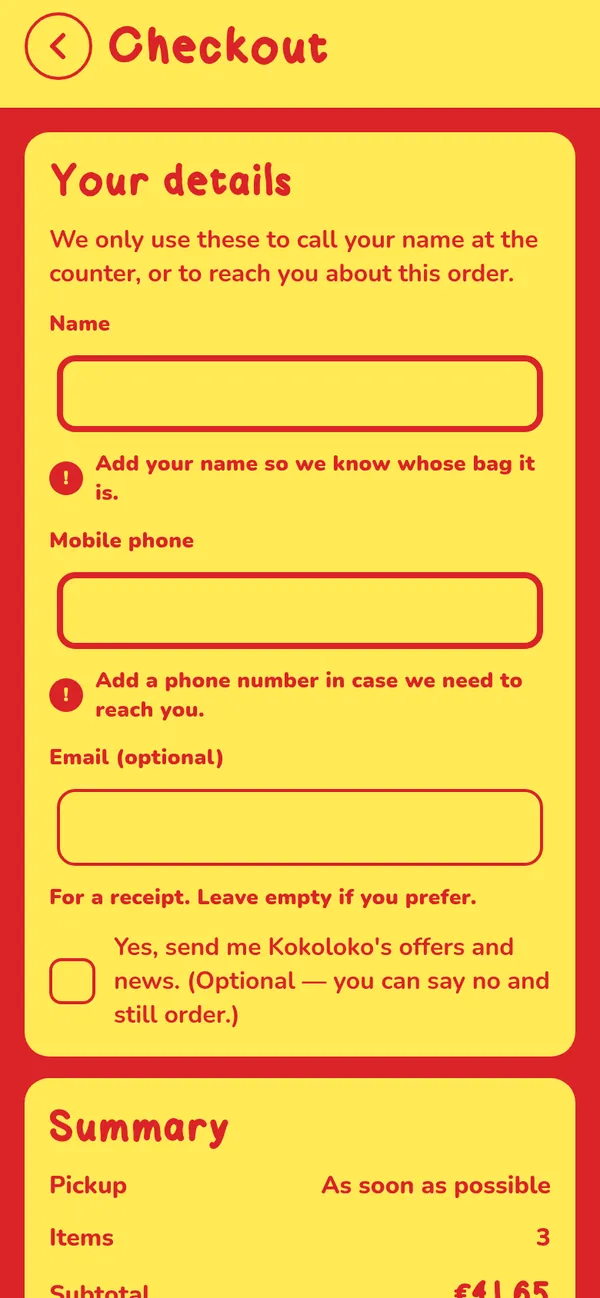
Form errors 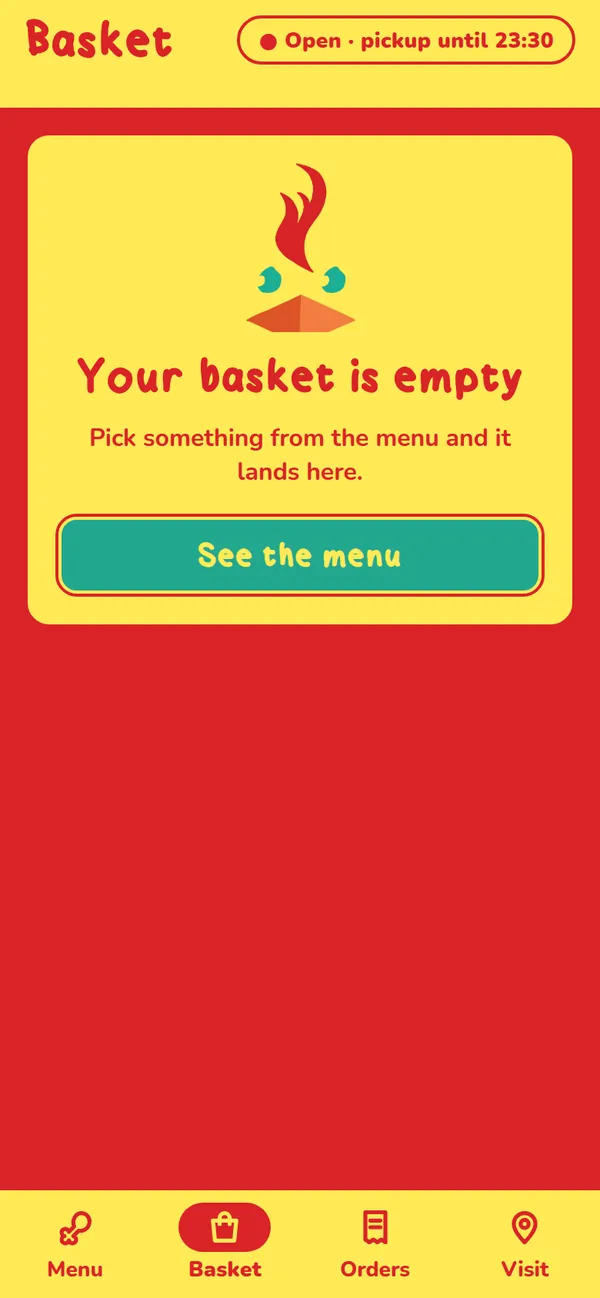
Empty basket 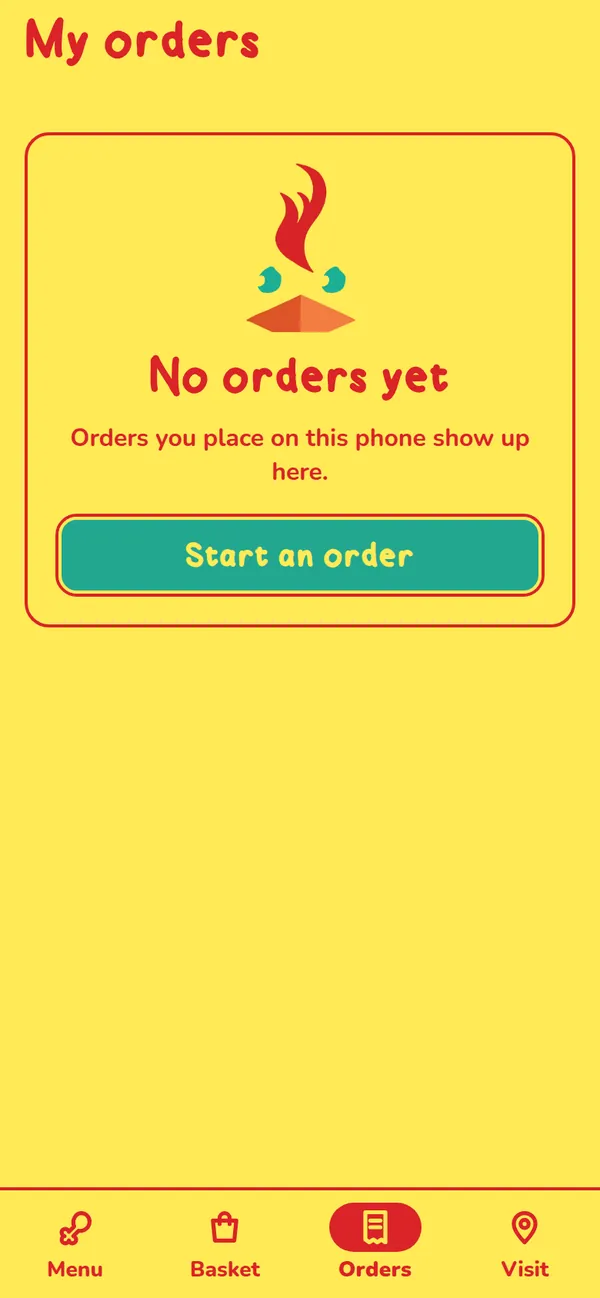
No orders yet 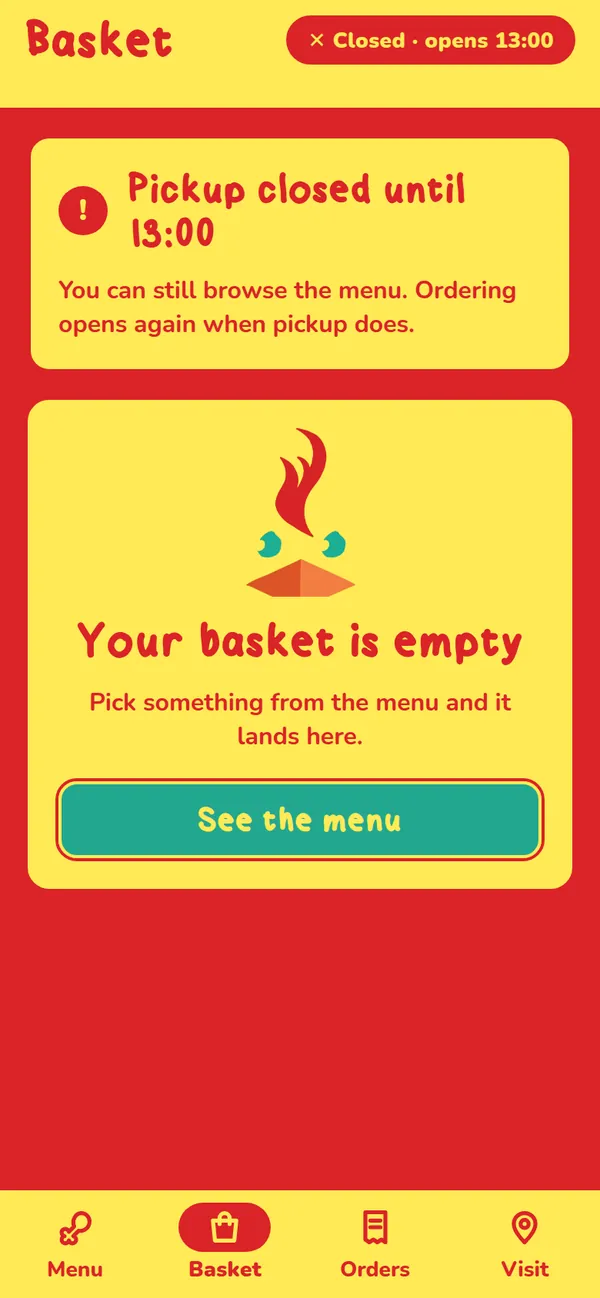
Closed: basket
Four colours, enforced by a test
The app uses only the brand’s four colours, yellow, orange, teal and red, with no white, black or grey. A unit test fails the build if any other colour appears anywhere in the code. Small text is only red on yellow or yellow on red; orange never carries text.
- #FFEA56
- #FF8246
- #23A78F
- #DA2328
What works, and what’s waiting
| Part | State | Detail |
|---|---|---|
| Menu, basket, checkout, status, orders, visitRunning against the backend in mock mode | Built | Running against the backend in mock mode |
| Typecheck and unit testsTypeScript passes; 68 tests in 6 suites pass | Local only | TypeScript passes; 68 tests in 6 suites pass |
| Real payments (Viva.com)Needs a merchant account and credentials | Blocked | Needs a merchant account and credentials |
| Orders to the kitchen (JoinPOS / eLINK)Needs confirmation and access | Blocked | Needs confirmation and access |
| Sauces, sides, extras, allergensNeeds the owner's input | Blocked | Needs the owner's input |
| Pickup hours and prep timeUses the published delivery hours until confirmed | Blocked | Uses the published delivery hours until confirmed |
| App Store and Google Play buildsNeeds developer accounts | Blocked | Needs developer accounts |
| Production databaseThe backend's order store is in memory in development | Blocked | The backend's order store is in memory in development |
A complete pickup flow in a development build, sharing one backend with the Kokoloko’s website. It goes live once payments, the kitchen connection and store accounts are in place.